Fix WordPress User Registration: A Simple Plugin Solution
Anna Müller ·
Listen to this article~5 min
WordPress's default sign-up process drives visitors away. Learn how to fix it with a simple plugin that creates smooth, professional registration forms in minutes.
Let's be honest—WordPress's default sign-up process is a mess. It's so clunky that most visitors who might want to subscribe will just give up. They think it's too much effort, and honestly, they're right.
We've all been there. You click around, get confused, and eventually bounce. It shouldn't be that way. Today, we're going to clean up that dusty old method and make it work like a normal website should.
### The Problem With Default WordPress Registration
Out of the box, WordPress makes users jump through five confusing steps. The final one is particularly baffling. First, you need to check if registration is even enabled in Settings > General. Then you have to place a link somewhere—maybe in a sidebar widget or the footer.
But here's the kicker: that tiny "Register" link hides in the bottom left corner. Most people won't even see it. They'll be looking for a clear button or form, not a footnote. It's no wonder bounce rates are high.
As one frustrated developer put it: "We're asking visitors to find a needle in a haystack, then thread it while blindfolded."
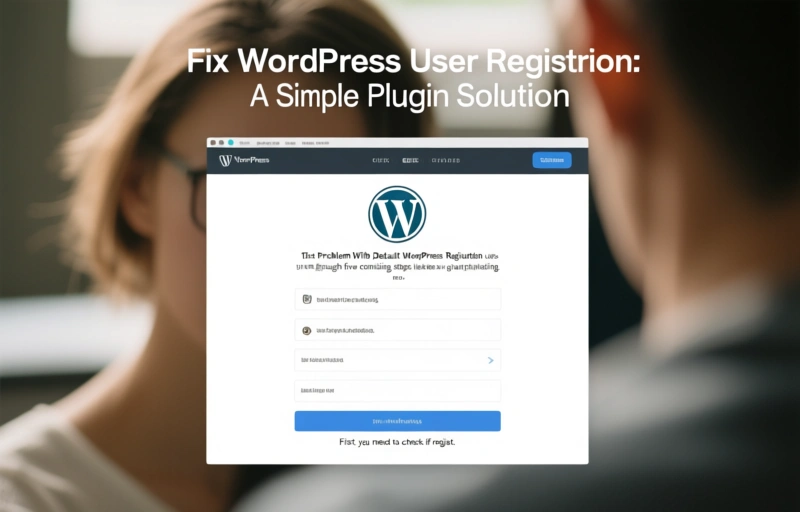
### Step-by-Step: The Old Way vs. The New Way
Let's walk through what we're fixing. The old method looks something like this:
- Navigate to Settings > General
- Check "Anyone can register"
- Add a widget or footer link
- Hope users find the tiny registration link
- Watch them leave in confusion
We're going to transform that into something smooth and intuitive. Imagine a clean form right where users expect it. No hunting required.
### Introducing Ultimate Member: Your Registration Savior
This is where the Ultimate Member plugin comes in. It's not magic—it's just sensible design. This free plugin replaces WordPress's clunky system with a professional registration flow. Installation takes about five minutes.
Once activated, you can create custom registration forms that match your site's design. Place them anywhere using shortcodes or widgets. Suddenly, signing up feels natural instead of frustrating.
Here's what changes immediately:
- Clear, visible registration forms
- Customizable fields (only ask for what you need)
- Email confirmation workflows
- User profile management
- GDPR-compliant data handling
### Making It GDPR-Friendly
Speaking of GDPR, Ultimate Member helps here too. You can add checkboxes for privacy policy acceptance directly to your form. This keeps you compliant without adding extra steps elsewhere. Users appreciate transparency about how their data will be used.
Remember to keep forms simple. Only request essential information upfront. You can always ask for more details later when users are engaged.
### Implementation Tips for Maximum Conversion
Don't just install the plugin and walk away. Think about placement and messaging. Put your registration form where visitors naturally look—near valuable content or community features.
Test different approaches:
- Try a prominent button in your header
- Add a form after blog posts
- Create a dedicated "Join Us" page
Track what works best for your audience. Sometimes small changes—like clearer button text—can double conversion rates.
### Why This Matters for Your Business
Every lost registration is a missed opportunity. It could be a newsletter subscriber, a community member, or a future customer. By fixing this one broken process, you're removing a major barrier between visitors and engagement.
Think about your own experience. When a website makes things difficult, you leave. Your visitors are no different. Making registration effortless shows you respect their time and value their participation.
### Getting Started Today
You don't need to be a developer to implement this solution. The plugin handles the technical heavy lifting. Your job is to make the experience welcoming. Write clear instructions. Use friendly language. Thank people for joining.
Small touches make a big difference. A simple "Welcome! We're glad you're here" goes further than you might think. It transforms a transactional process into the beginning of a relationship.
That's really what we're talking about—building connections. Your website shouldn't push people away with clumsy mechanics. It should invite them in, make them comfortable, and encourage them to stay awhile. With the right tools, that's exactly what happens.